
Read the Trading workspace
Understand strategy cards, positions, candidates, cash, and manual exits.
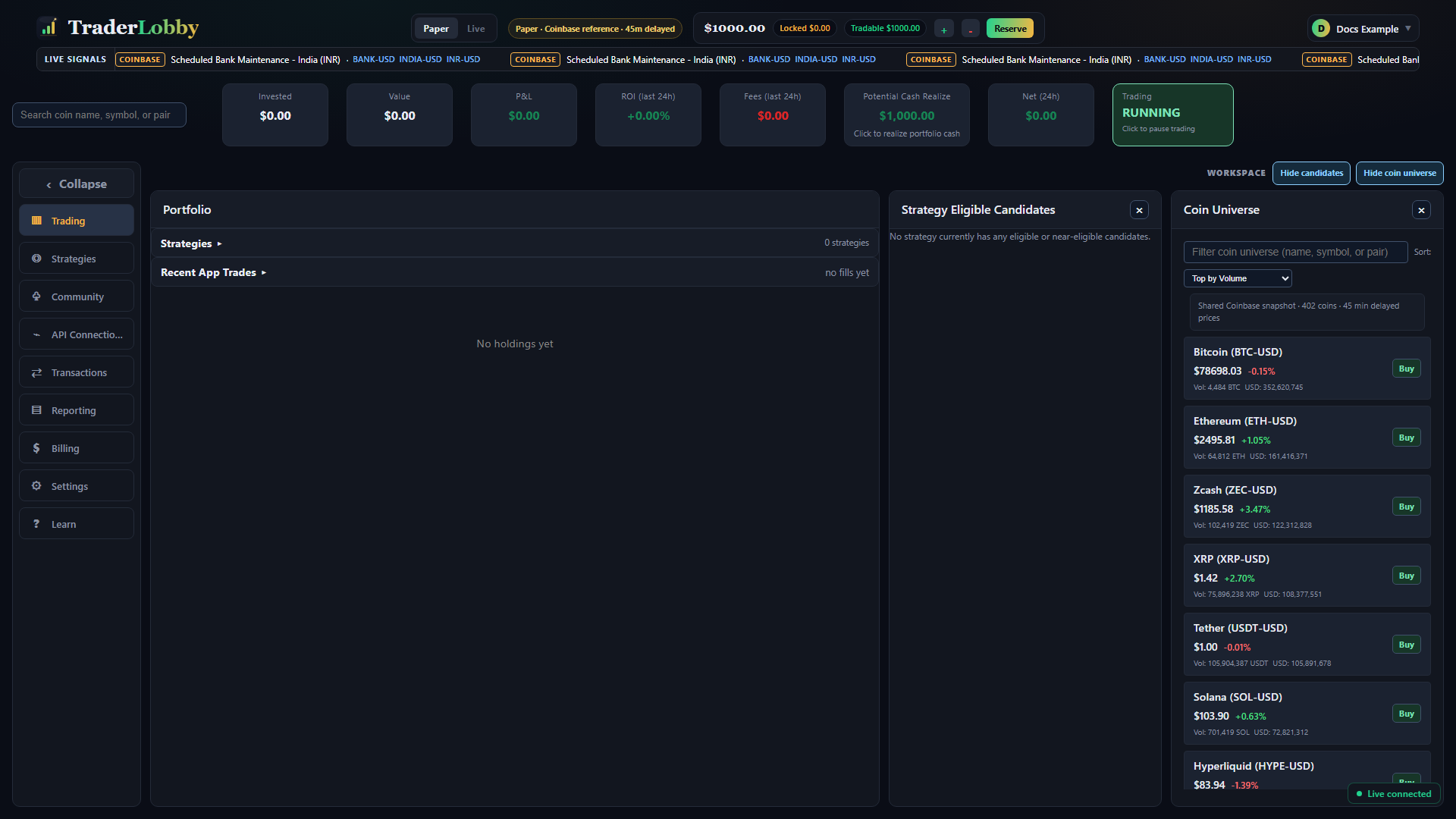
Strategy cards
Used counts positions reserved against that strategy’s slots. A strategy may have used slots even when an asset is hidden by a dust filter or during an in-progress state; refresh and inspect Transactions if the count seems unexpected.
Positions
| Column | Meaning |
|---|---|
| Qty | How much of the asset the connected account reports for the app-attributed position. |
| Avg / Investment | Recorded entry basis and amount attributed to that position. |
| Value | Current estimated value; it can move with price. |
| Peak | Highest tracked value used for customer context. |
| P&L | Current difference after the app’s recorded basis and applicable fees. |
| Strategy badge | The strategy associated with opening and managing the position. |
Eligible candidates
Candidates have passed some current checks, but they are not promised entries. A strategy may continue waiting for timing, risk, cash, ownership, or exchange conditions.
Manual sale
- Select Sell
Open the confirmation from the position row.
- Review the fresh estimate
Confirm symbol, owned quantity, approximate value, and that the dialog says Live market order.
- Place the order
The exchange makes the final acceptance and execution decision. Keep the dialog open for the result.
- Verify the fill
Use Transactions and the exchange account to confirm the final quantity, price, and fees.